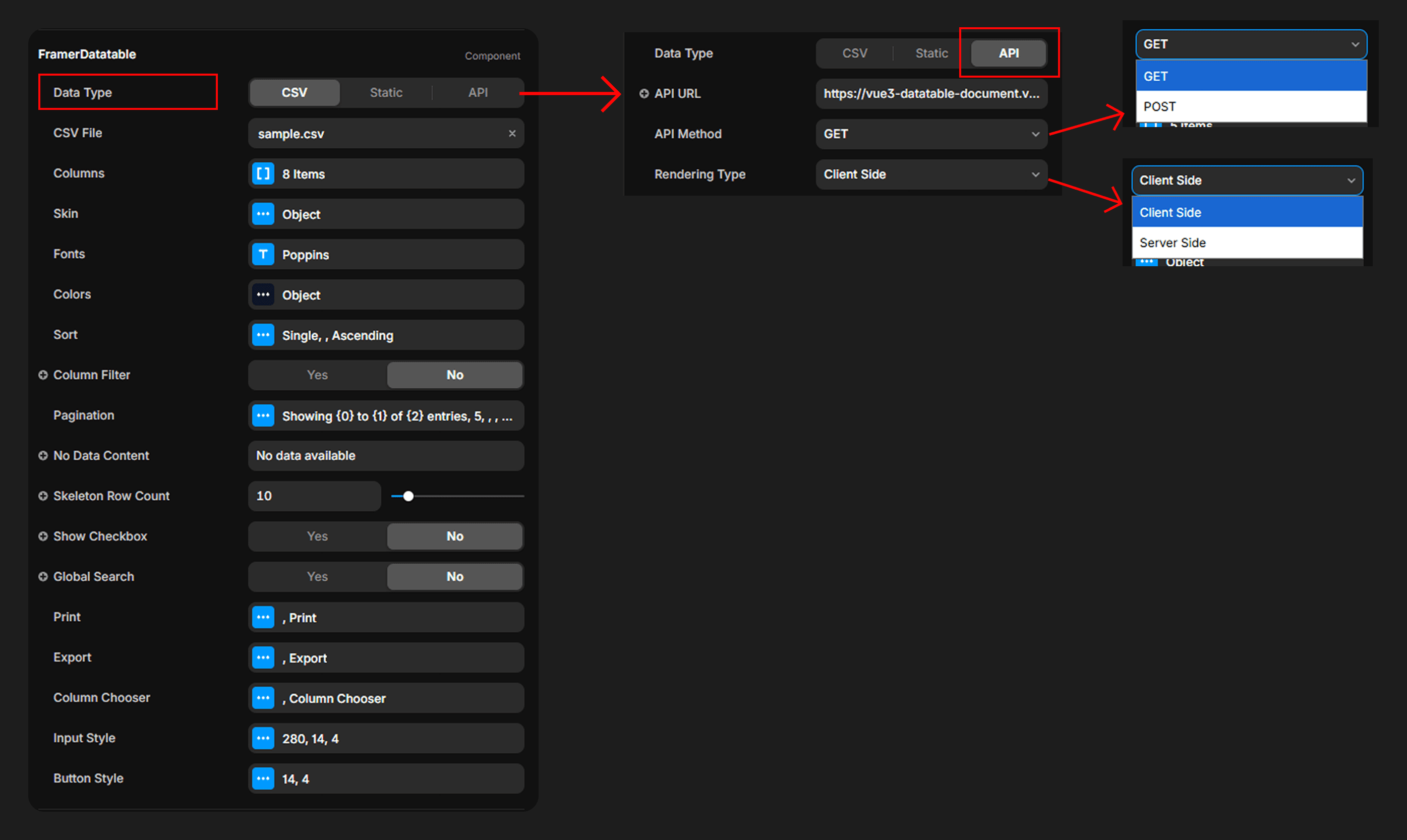
Data Sources
REST API
Connect to any API endpoint with client-side or server-side rendering modes.
Fetch data from any REST API endpoint using either GET or POST methods. Two rendering modes are available:
Client-Side Rendering— Fetches all data once on load. Filtering, sorting, and pagination are handled in the browser. Ideal for datasets under a few thousand rows.Server-Side Rendering— Pagination, sorting, searching, and filtering are all handled by the backend. On every user interaction, the component sends a request to your API with the following parameters, and expects a structured response in return. Ideal for large datasets.
Server-Side Request Parameters
When using server-side rendering, your API will receive the following request parameters:
page (number)— The current page number (1-based).pagesize (number)— Number of records per page.search (string)— The global search query string. Empty string if no search is active.search_fields (string[])— Array of field names across which the search should be applied (only fields with search enabled).sort_configs ({ key: string, direction: "asc" | "desc" }[])— Array of active sort configurations. Empty array if no sort is active.column_filters ({ field: string, value: string, type: string, condition: string }[])— Array of active column filter objects, each containing the field name, filter value, column type, and match condition (contain or equal). Only columns with a non-empty filter value are included.
Expected API Response
Your API must return a JSON response in the following format:
ex: { data: [...], meta: { total: N } }
data (array)— The array of row objects for the current page.meta.total (number)— The total number of matching records across all pages (used to calculate pagination).